THUMBNAILER 1.3.9
· One min read
GENERAL
- Added a warning message when Nanite and Transparent thumbnail is enabled when using Unreal Engine 5
thumbnailer
View All Tags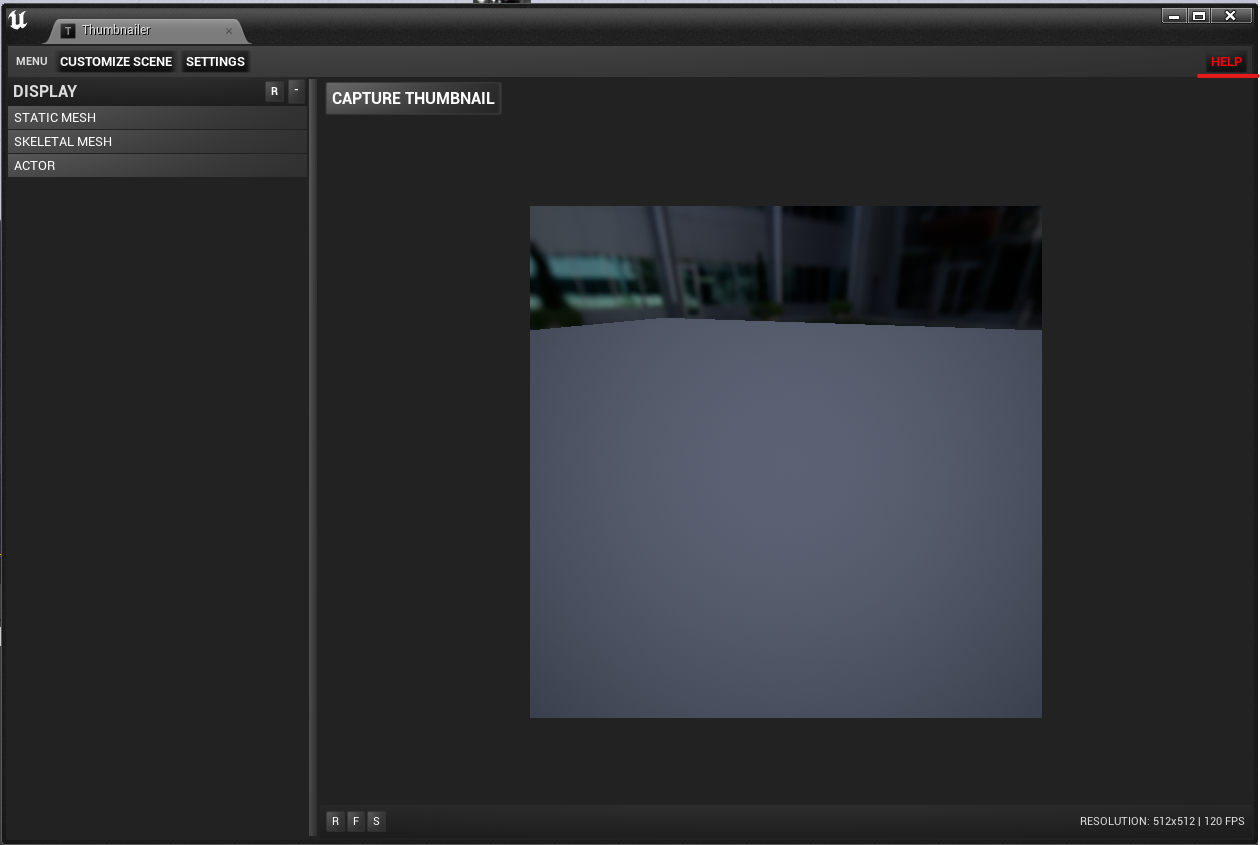
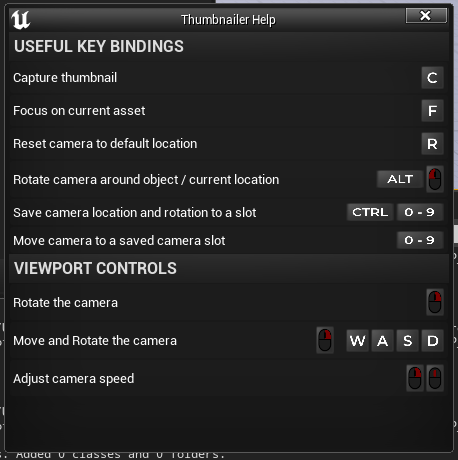
New Settings have been added:
"Disable Anti Aliasing"
"Disable Auto Exposure"
"Disable Motion Blur"
"Disable Screen Space Reflections"
"Disable Eye Adaption"
These new settings will simplify your Thumbnail creation process so you don't have to manually adjust these console values, the settings will also apply in real time in the thumbnailer viewport so you can see the final result immediately.
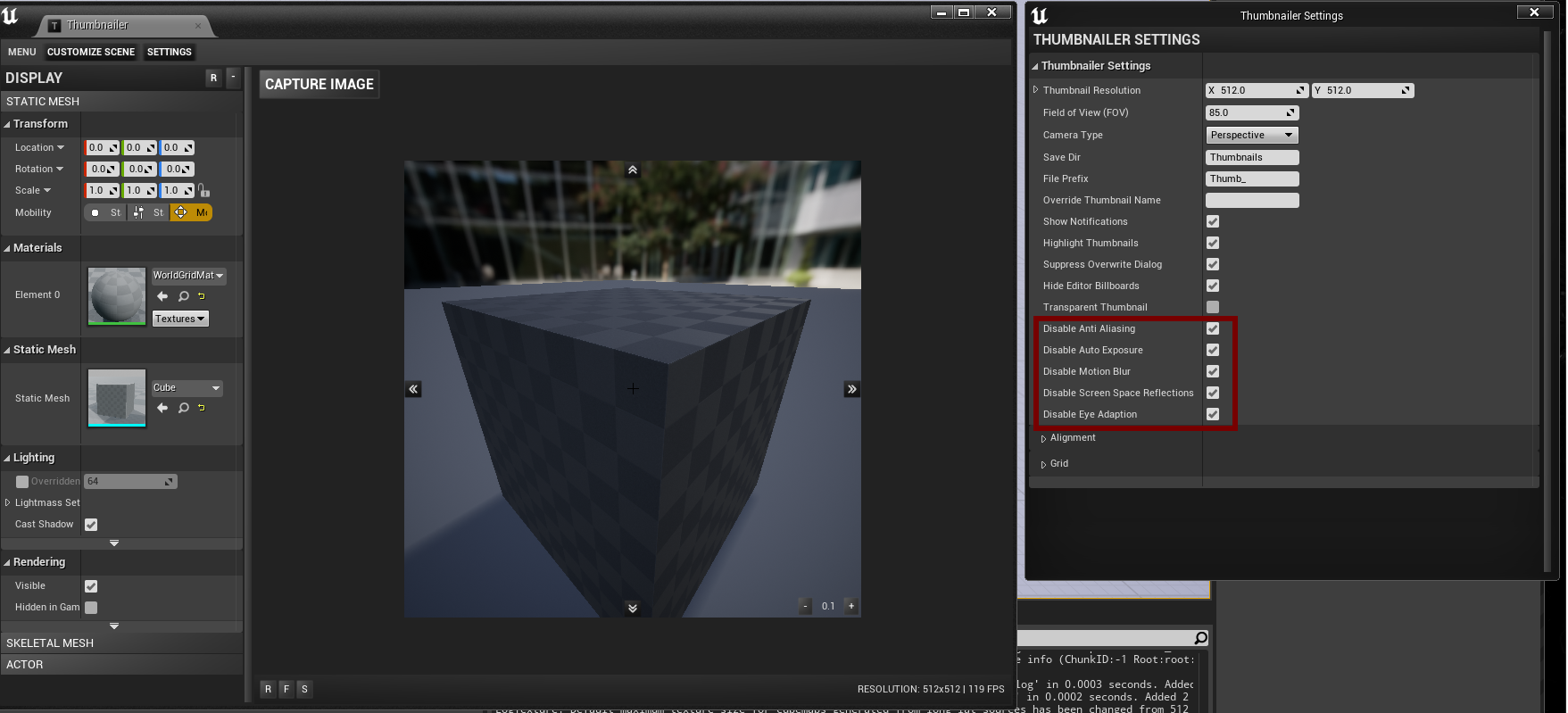

The entire UI of Thumbnailer has been overhauled and given a brand new look
Clamped preview window size if Thumbnail resolution is too small, otherwise the preview window will shrink to a unusable size
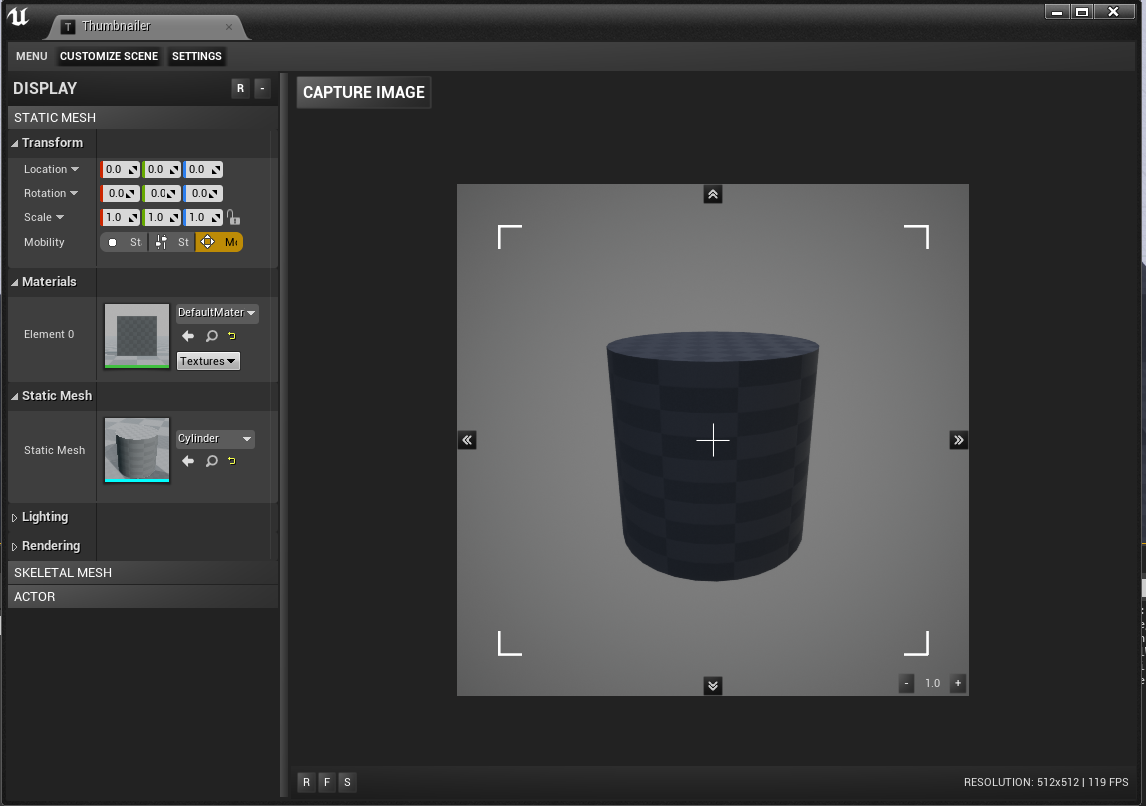
Added new alignment tool: Crosshair
Added new alignment tool: Capture frame
Added 2 new alignment tools, these utilities will help you align your thumbnails
Added viewport speed controls to the preview window
Thumbnailer Settings & Scene settings are now spawned as separate windows
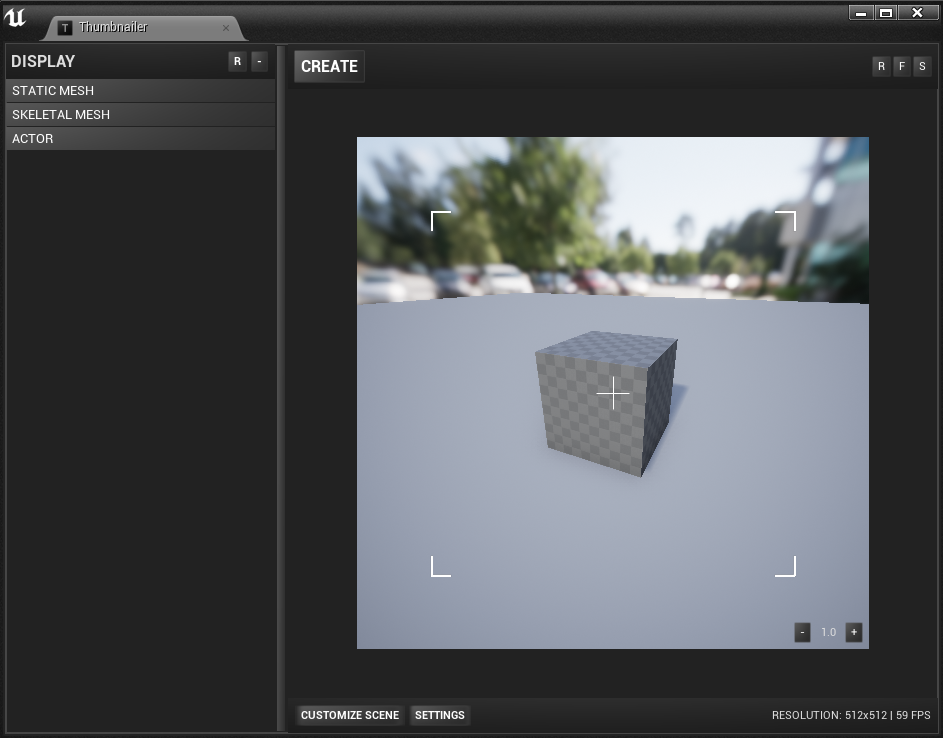
UI Overhaul
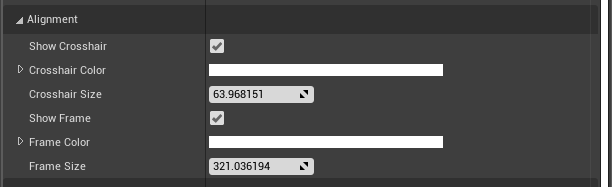
New Settings
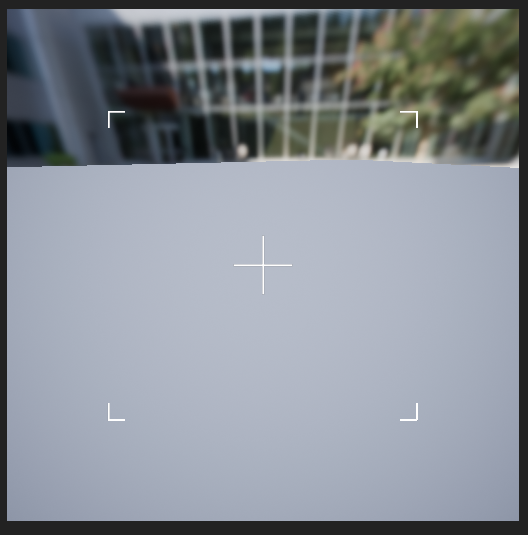
Crosshair & Capture frame
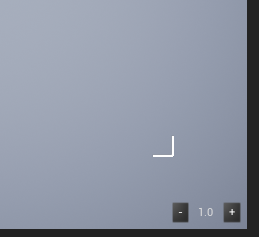
Speed Control
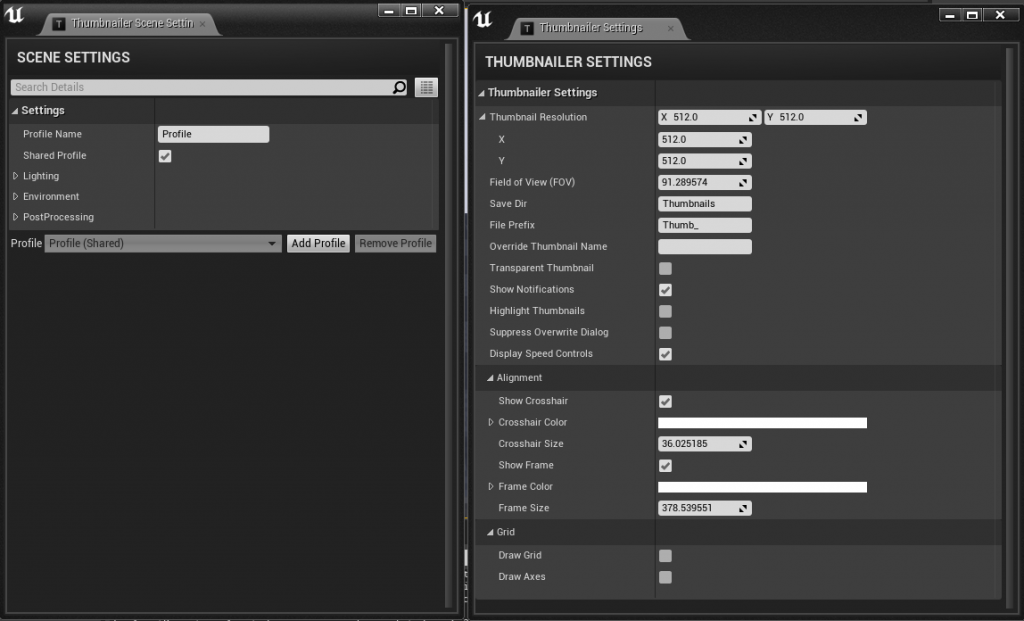
Separated Settings & Scene settings