Configuring Sockets
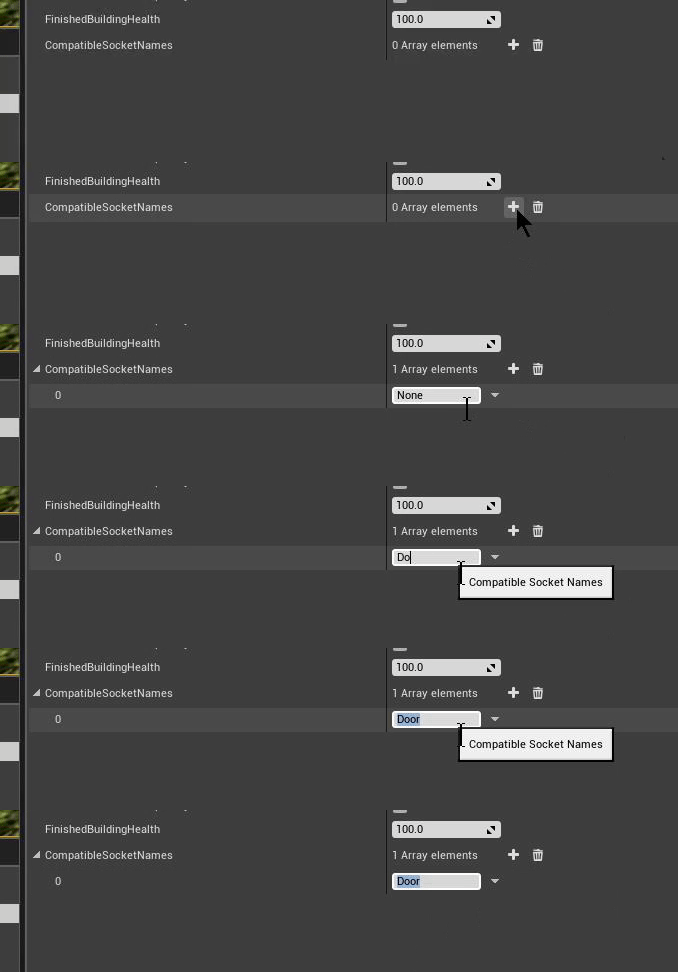
Begin by adding your building to the DT_Buildings DataTable 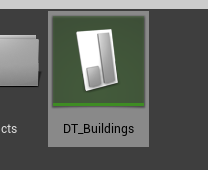 Add a new socket to the CompatibleSocketNames array, here you determine what sockets that this building component can be placed on, in this example, Door is our compatible socket name, every building that has the socket "Door" we will be able to snap our new building to.
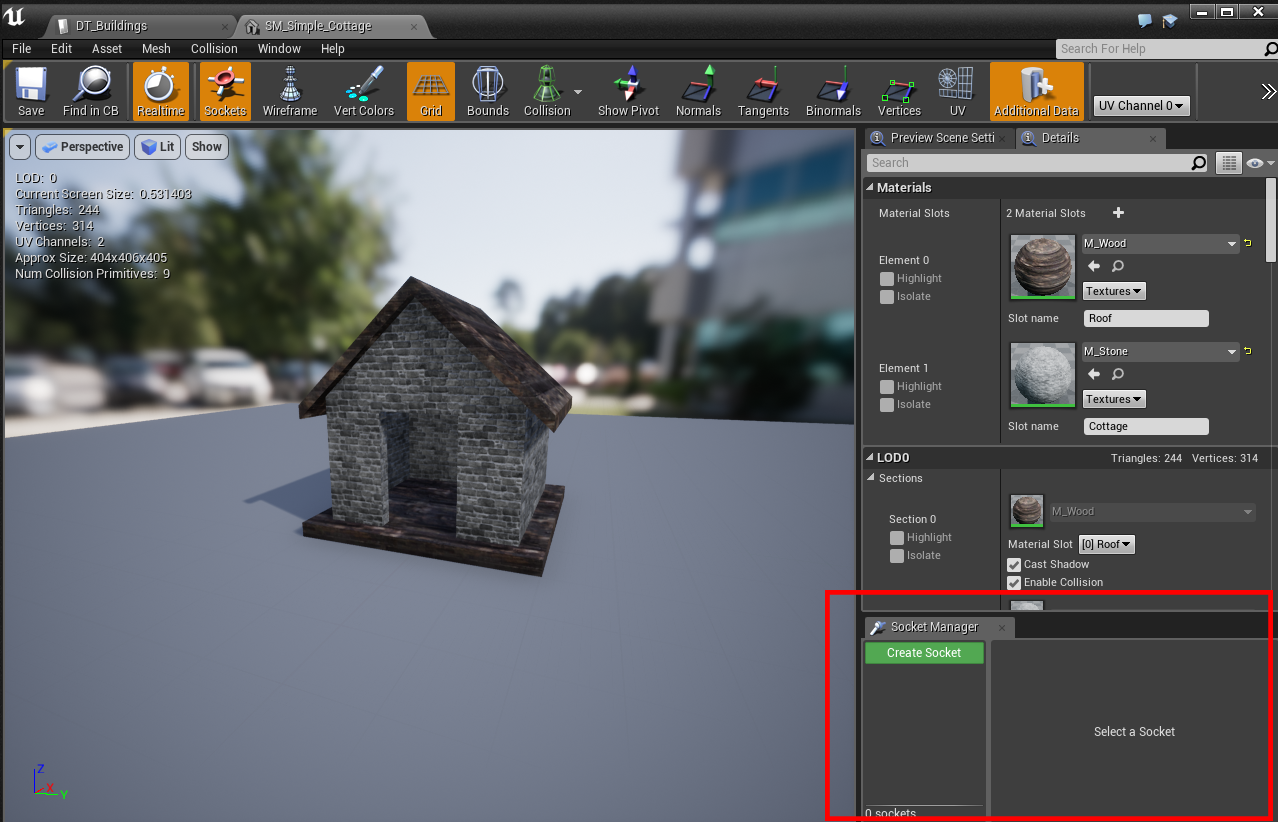
  Inside /BuildingSystem/Meshes, open up any mesh that require a "Door" (can be anything), in this example, we'll use "SM_Simple_Cottage"
 Once the Static Mesh Editor is open, in the lower right corner you'll find the Sockets editor
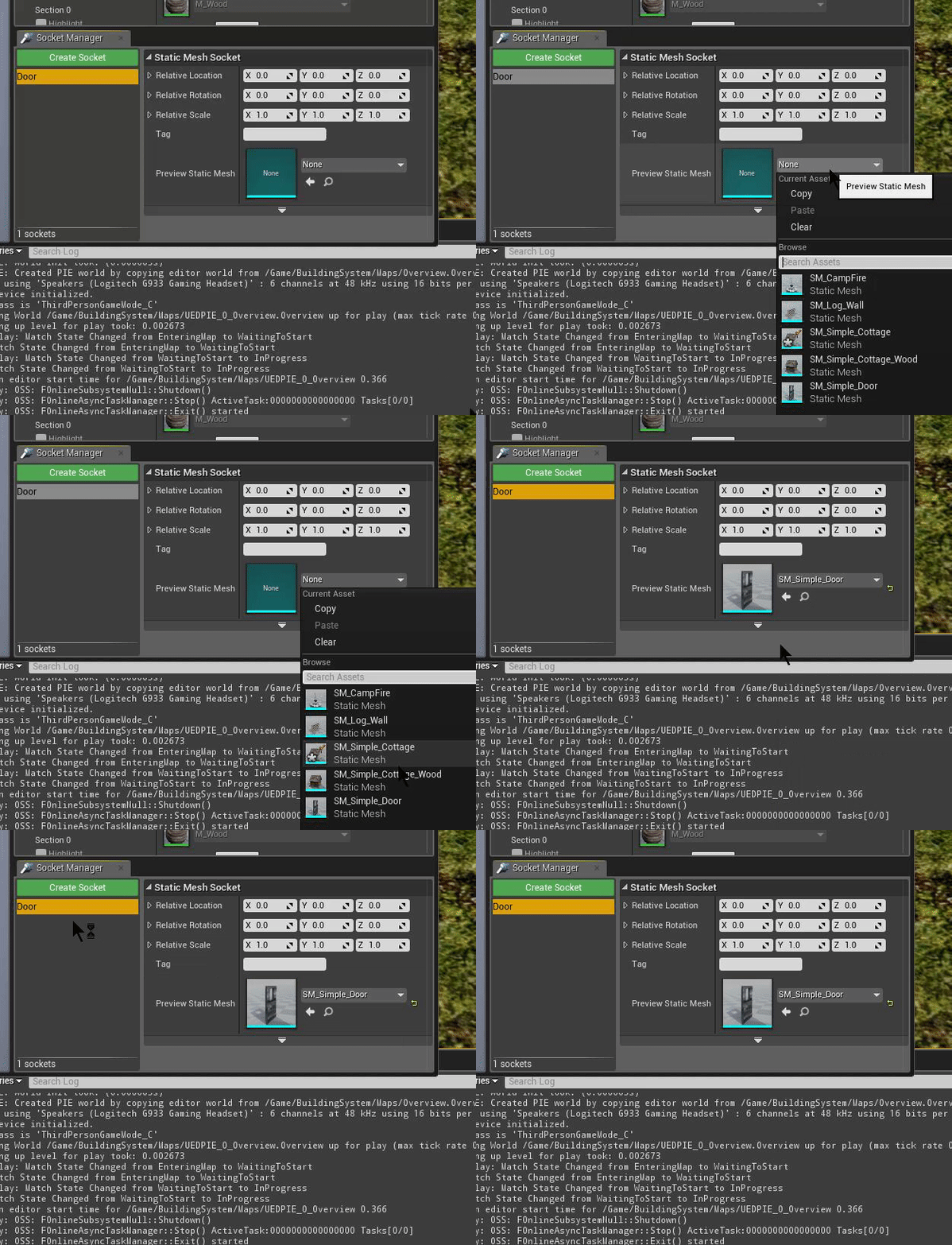
  Create a new socket and name it "Door"
 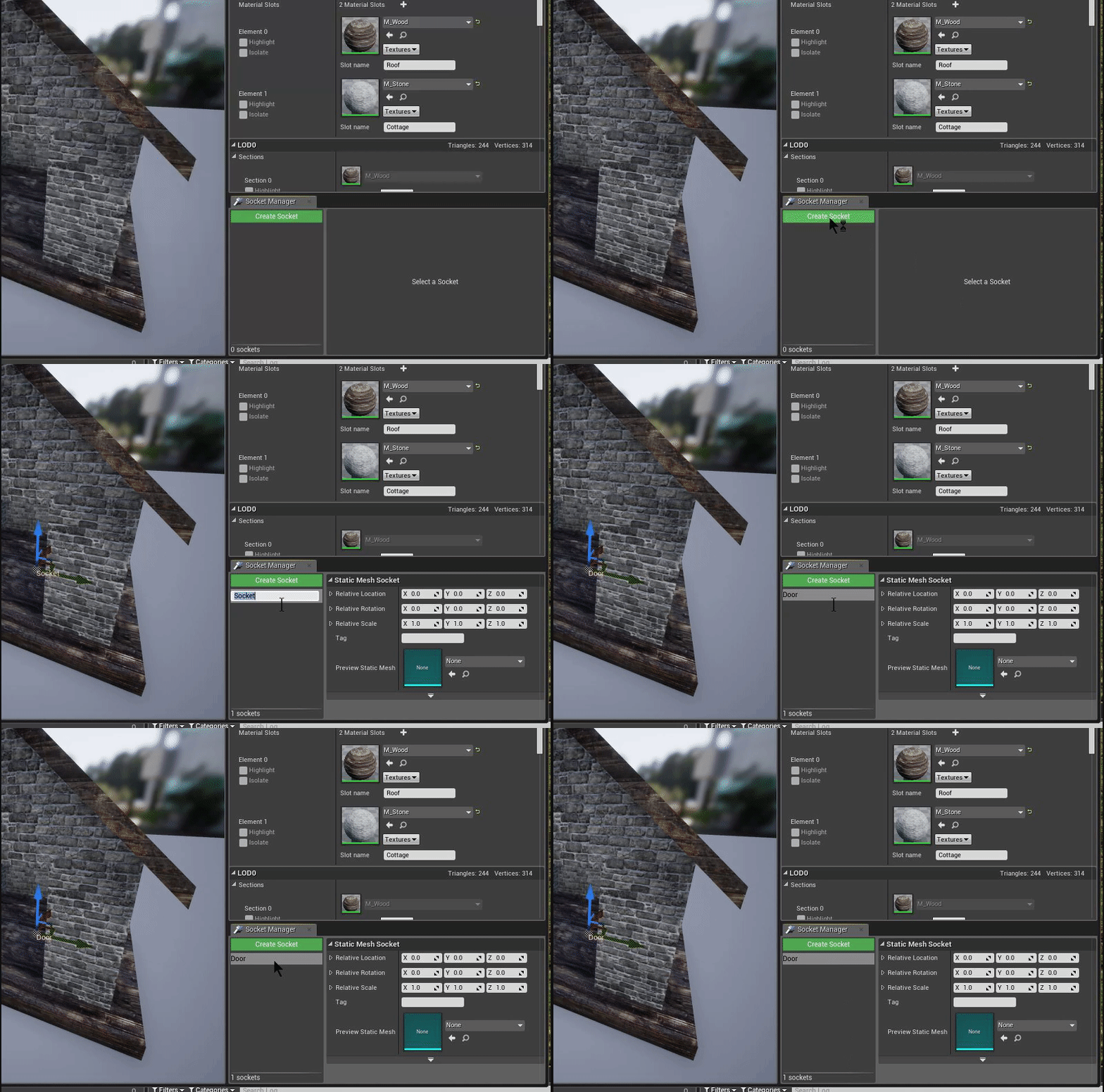 In the "Preview Static Mesh" selector, pick the "SM_Simple_Door" mesh as a preview mesh so that we can position it correctly
  Use the preview window to move the door into the correct position [video width="528" height="464" mp4="http://eeldev.com/wp-content/uploads/2018/05/df64ca4e45601658524785899bc8eaa7.mp4"\]\[/video\] You can do this for anything you want to "snap" onto a building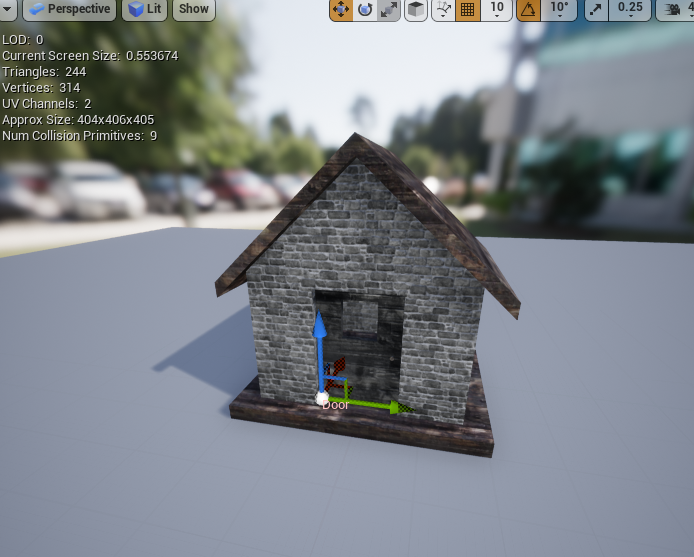
Done!
[video width="800" height="514" mp4="http://eeldev.com/wp-content/uploads/2018/05/137532e4b50a44e91af15ef1519b273b.mp4"\]\[/video\]